Keep the certificate and save the details
Keep the certificate from your vet and save a short record under the right dog’s profile so you can find the details when you need them.
You’re filling in the boarding form and it asks when your dog was last vaccinated. You remember the vet visit, but the certificate could be in an email, a puppy booklet or a folder at home. Start with the most recent certificate you can verify. Then use PetCare AI to keep the details you usually need to look up, including the date, vaccine name and clinic.
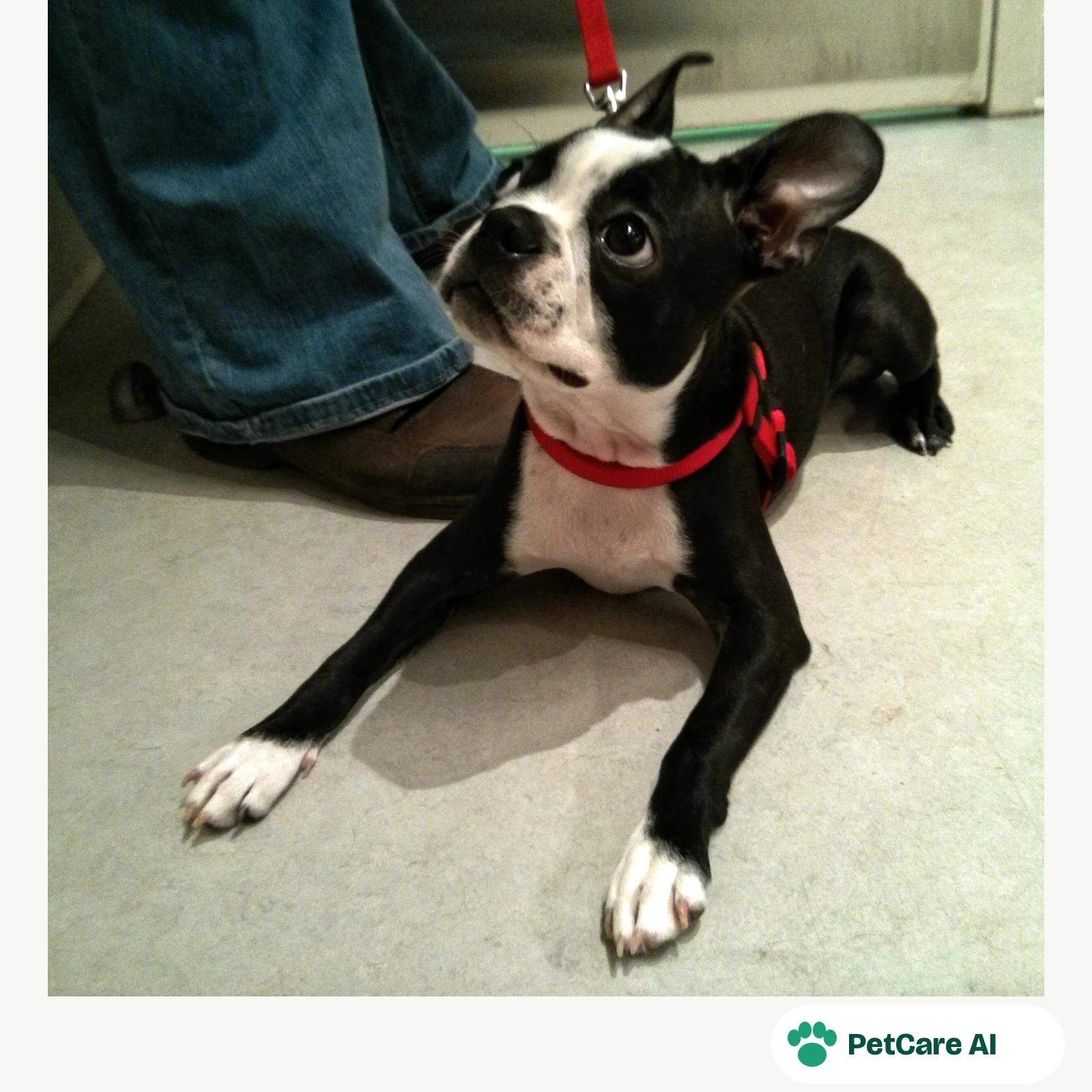 Before you leave the clinic, ask where you can get a copy of your dog’s vaccination certificate.
Start with the vet’s certificate
Check the dog’s name and the date the vaccination was given. Copy the vaccine name as written on the certificate or in the clinic’s record. The Australian Veterinary Association and the World Small Animal Veterinary Association both include the date and vaccine details among the information a clinic should record.12
Use the checklist with the certificate in front of you. Your vet can confirm the next vaccination date for your dog.1
| Detail | What to put in your note |
|---|---|
| Vaccination date | The day it was given |
| Vaccine name | As written on the record |
| Clinic | The practice that holds the record |
| Next date | If confirmed by your vet |
If your vet gave you two different dates, label each one by purpose. For example, write “health check” beside an appointment date and “next vaccination” beside the date your vet has advised for that vaccine. This makes it easier to see what each date is for when you look at the note months later.
Add the vaccination to PetCare AI
- Open the right dog’s profile. In the mobile app, go to Pets, choose your dog and open Records & reports from their care tools. On the web, open your dog’s profile and find Medical history in the health section.3
- Choose Vaccination. Tap Add record on mobile or Add under Medical history on the web. Select Vaccination as the record type. Enter the day the vaccine was given in the date field and put the vaccine name, clinic and any vet-confirmed next date in the notes.
- Save and check the entry. Tap Save record on mobile or Add in the web form. Check the date and vaccine name in the saved entry. Keep the certificate in a named folder or the original clinic email.
For an older record, double-check the year. Use the date on the certificate for the vaccination itself. You can also add a line saying where to find the certificate.
Ask the clinic about missing or conflicting details
If you can’t find the certificate, ask the clinic that vaccinated your dog whether it can send a copy. If you’ve changed vets, ask the previous clinic what history it can share and what the new vet needs from you. Bring along any dated records from a breeder, shelter or previous owner so the vet can see what’s documented.
If two records give different dates, show both to the clinic and ask which one records the vaccination. Mark any unconfirmed detail in your notes. Your vet can advise what is due for your individual dog, taking into account their history and circumstances.12
Check what the boarding facility needs
Ask the facility what proof it accepts and which requirements apply on your dog’s arrival date. For example, the NSW boarding code requires a current vaccination certificate before admission. Have the vet-issued certificate ready to send or show in the format the facility requests.4
If the dates don’t line up
If the facility’s requirements and your vet’s next date raise a question, give the clinic the boarding dates and the facility’s instructions. Ask the vet to confirm what is appropriate for your dog before you rely on the booking. Use your saved entry to quickly find the relevant clinic, vaccination and date while you make those calls.14
Update the record after the next visit
Save the new certificate when it arrives and add a new dated entry for the vaccination. Keeping the earlier dated entry gives you a history to refer to if a new clinic asks what was given before. If a vet confirms a correction to an older entry, correct that entry so the history reflects the information you can verify.
Have your dog’s certificate handy? Open PetCare AI, choose your dog’s profile and save the latest confirmed vaccination in their medical records.
Sources
Photo credit: “Waiting is the hardest part.” by Hubert Figuière, via Wikimedia Commons, CC BY-SA 2.0.
Footnotes
-
Australian Veterinary Association, Vaccination of dogs and cats. ↩ ↩2 ↩3 ↩4
-
Squires et al., World Small Animal Veterinary Association Vaccination Guidelines Group, 2024 guidelines for the vaccination of dogs and cats. ↩ ↩2
-
PetCare AI, App guides, “Complete your pet’s profile”. ↩
-
NSW Department of Primary Industries and Regional Development, Animal Welfare Code of Practice No. 5, Dogs and cats in boarding establishments, section 6.1. ↩ ↩2